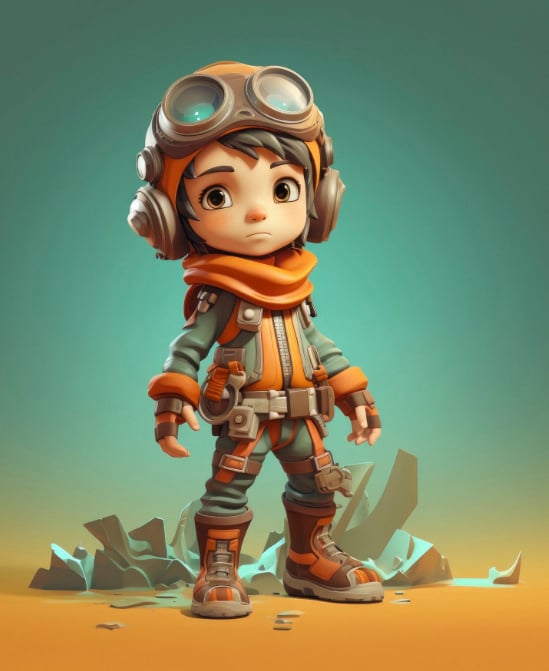
First Steps in a Character Creator
Opening a character creator for the first time can feel overwhelming with all its sliders and menus. But the truth is that basic character customization follows the same logic in most games. You start with a default model, then adjust one feature at a time – face shape, hair style, eye color, and so on. Many character creator tools also offer preset categories that let you jump between different looks quickly. The key is to experiment without fear, because almost every change can be undone.
Once you feel comfortable with face and body adjustments, you can move on to skins and outfits. Skins usually refer to surface patterns like clothing textures or creature colors. In many games, customization includes both geometric changes (height, muscle tone) and visual layers (tattoos, fabric patterns). A good character creator separates these categories into clear tabs or menus. Spend a few minutes just clicking every option – that is how you discover hidden features.
After you finish your first character customization, save your design or take screenshots. Many players later return to the character creator to refine small details. Skins can be swapped later in most games, so do not worry about permanent choices. Customization is a process, not a one‑time event. Over time, you will develop your own style that feels instantly recognizable.