Mixing Colors and Patterns Like a Pro
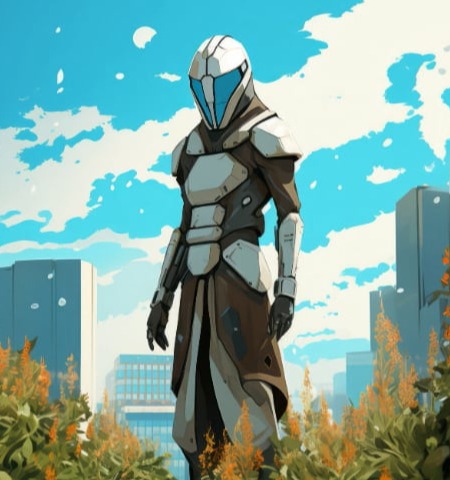
Even the deepest character creator can produce ugly results if you randomly pick colors. A reliable approach is to choose one main color and two accent colors that complement it. For skins, think of the large surfaces (armor, shirt, pants) as your main canvas. Small accessories like belts, gloves, or jewelry work best in accent colors. This three‑color rule works for character customization across almost any game genre.
When dealing with patterned skins – such as camouflage, stripes, or scales – use them sparingly. A patterned shirt looks better with solid‑color pants than with another pattern. Customization tools often include a saturation slider; lowering saturation slightly makes bright colors feel more natural. Many character creator interfaces also let you preview your design in different lighting conditions. Always check how your skins look during both daytime and nighttime game cycles.
Do not forget about silhouette – the outline of your character. Character customization that changes shoulder width, cape length, or hat size affects how others see you from afar. Skins with high contrast (black and white, red and blue) stand out but can be tiring to look at for long sessions. Customization is most successful when it feels intentional, not random. Save three or four different color variations of your design and compare them side by side before finalizing.